Book an Event
How to Book an Event
Booking sports events on SPORTSHUB is quick and secure with our integrated Stripe checkout.
Step-by-Step Booking
Find Your Event
- Browse events on the dashboard
- Click on any event that interests you
Choose Your Tickets
- Select the number of tickets you need
- Review the event details and price
Complete Payment Workflow
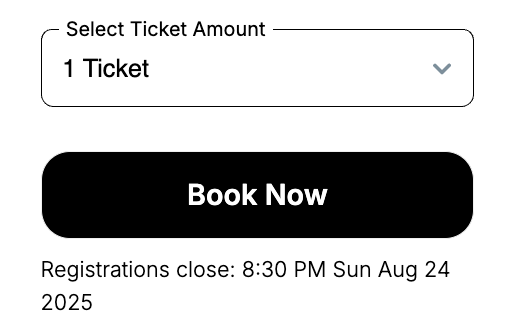
- Click “Book Now” to proceed to secure checkout
- Fill out any Forms needed by the organiser
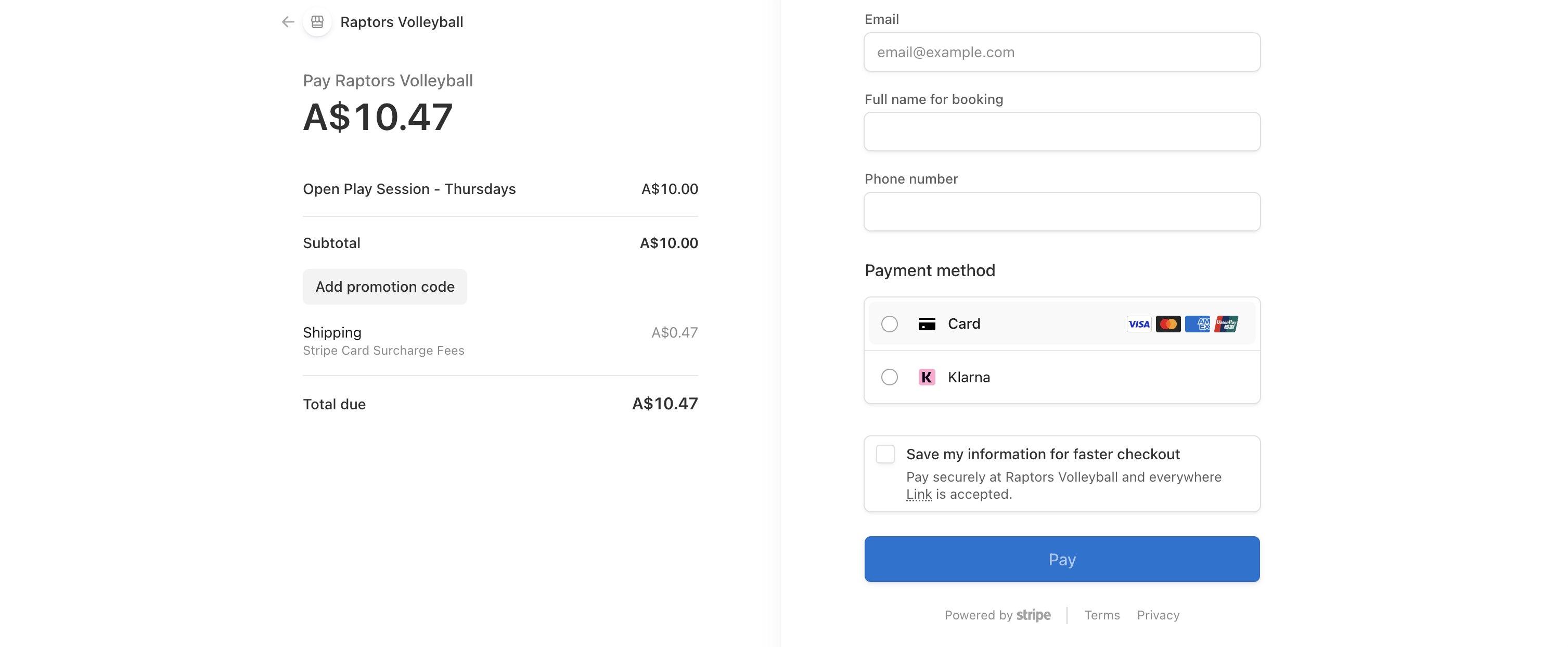
- Enter your payment details:
- Full name for booking
- Phone number
- Payment information
- Apply any promotional codes if available
Confirmation
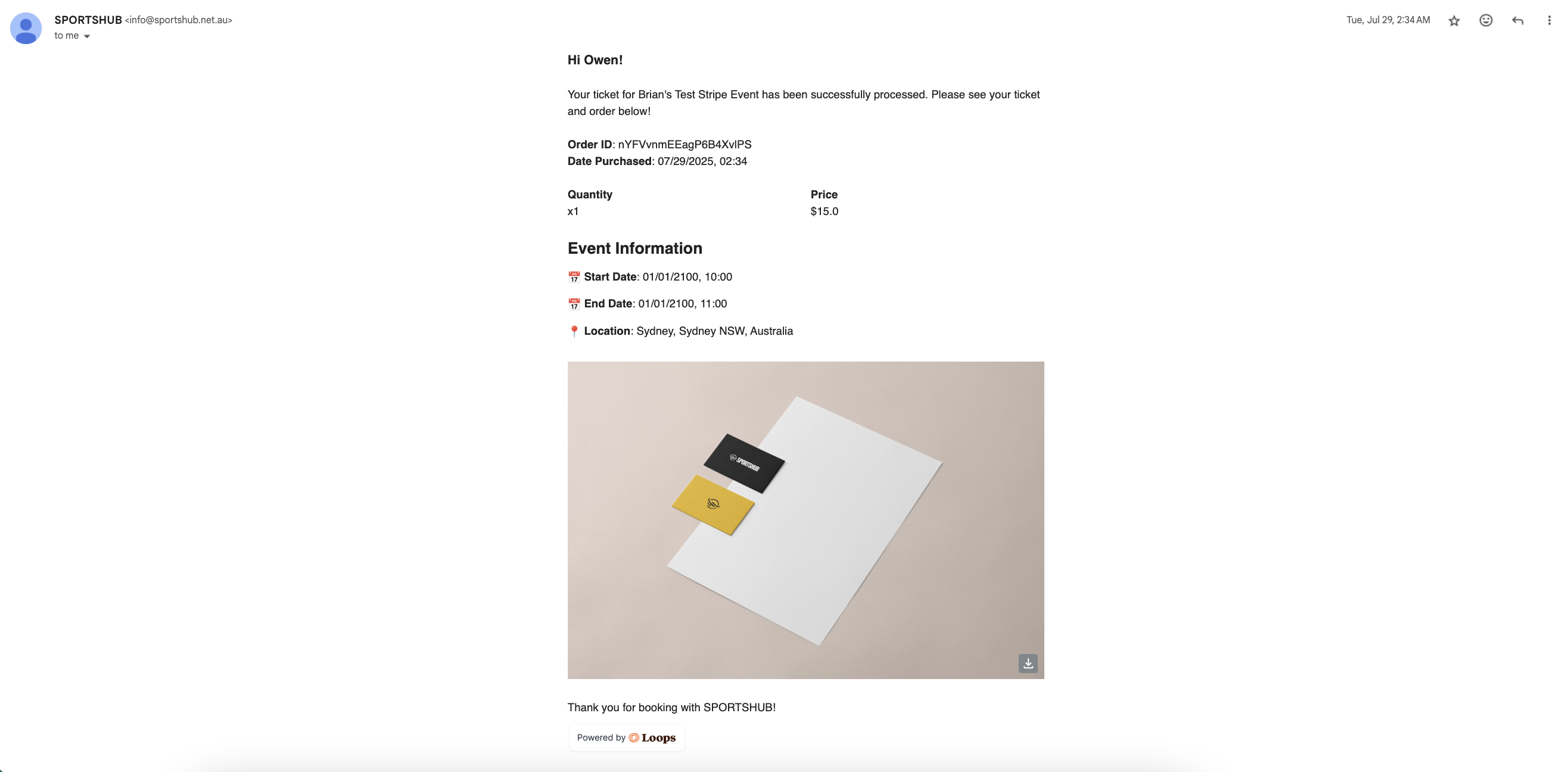
- You’ll receive an email confirmation immediately from info@sportshub.net.au
- Please check your spam or junk if you do not see the confirmation.
- Your booking is secured once payment is processed
- You’ll receive an email confirmation immediately from info@sportshub.net.au
Events That Require Organiser Approval
Some events require the organiser to approve your booking before it’s confirmed. Here’s what to expect:
- Find your event and select your tickets as usual
- Click Request to Book instead of Book Now
- You’ll see a message that organiser approval is required and that your card won’t be charged until you’re approved
- Complete checkout — your card details are collected, but you are not charged yet
- You’ll receive an email confirming your request was submitted
The organiser has 48 hours to review your request. After that:
- If approved — your card is charged and you’ll receive a booking confirmation
- If rejected — the hold on your card is released and you won’t be charged
Note
Not all events require approval. If you see Book Now, your booking is confirmed immediately after payment.
Important Notes
- Registration Deadlines: Pay attention to registration closing times
- Payment Security: All payments are processed securely through Stripe
- Ticket Limits: Events have limited capacity - book early to avoid disappointment
We secure you tickets the moment you click book now.
Your tickets are secured for a max of 15 minutes before your session expires.
After Booking
- Check your email for confirmation and event details
- Add the event to your calendar
- Contact the organiser if you have questions about the event
Need help? Contact support or reach out to the event organiser directly.